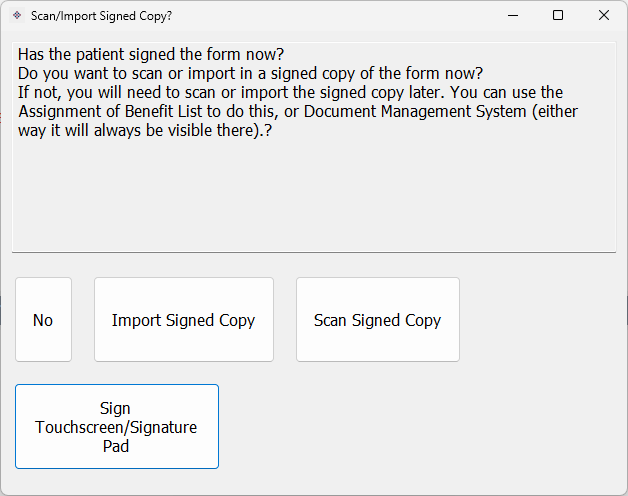
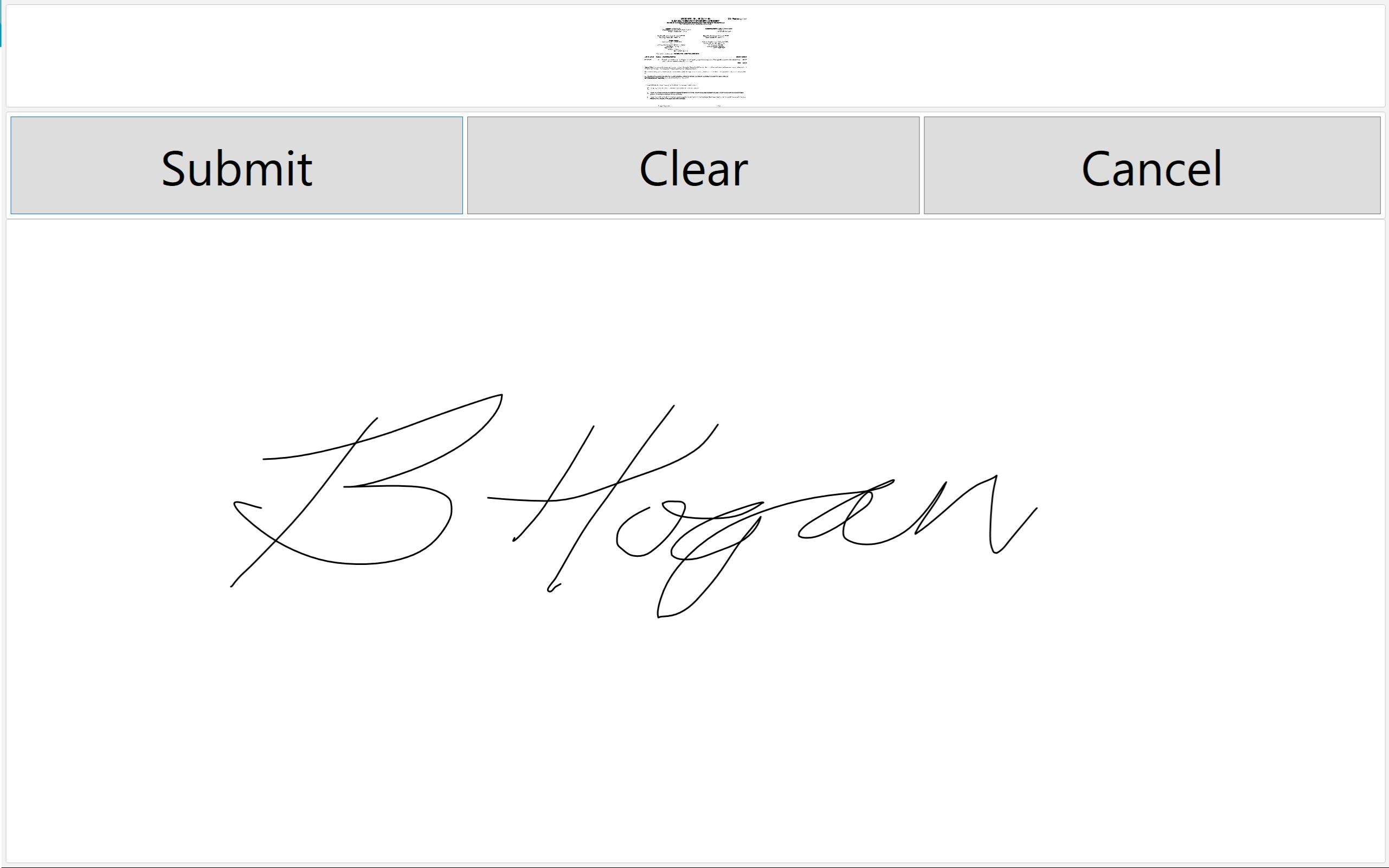
One method for signing the Bulk Bill Assignment of Benefit forms is to use an electronic signature.
This means you won't need to print and have the patient sign with pen, instead they will view and sign a form on screen.
To do this you will need a signature pad/stylus or touchpad etc.
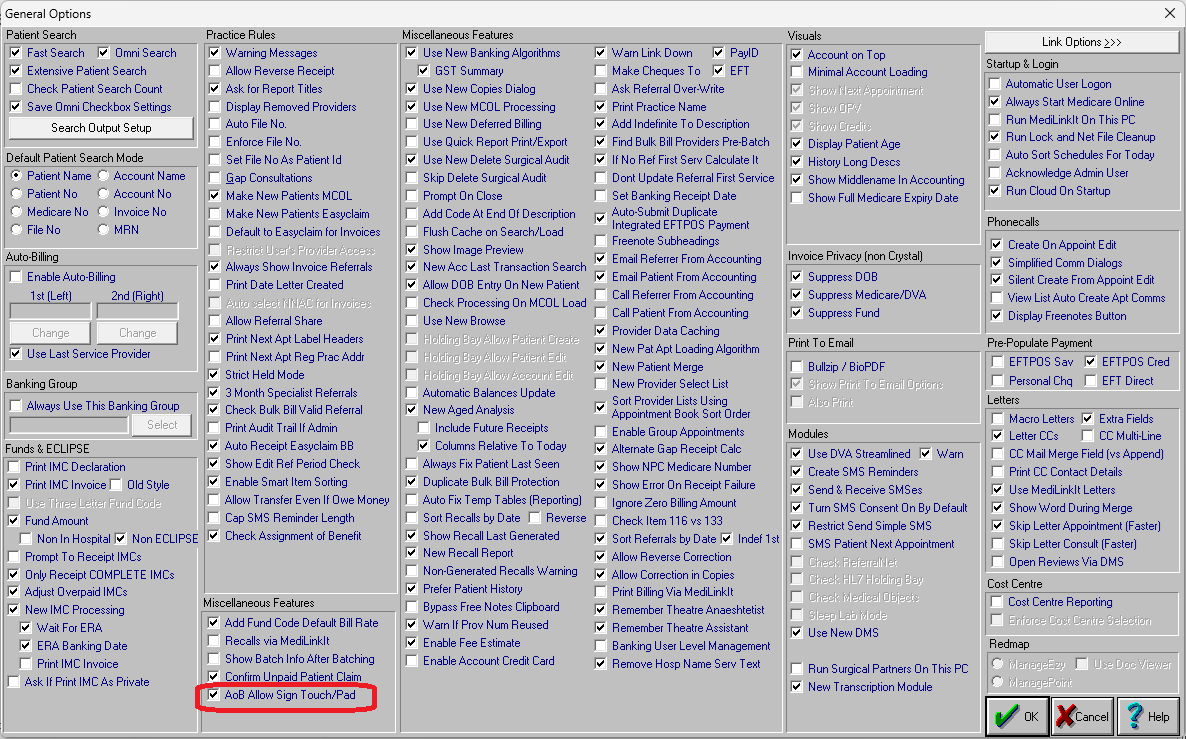
In Medilink, go to Accounting (Patient Details) -> File Menu -> General Options -> AoB Allow Sign Touch/Pad.
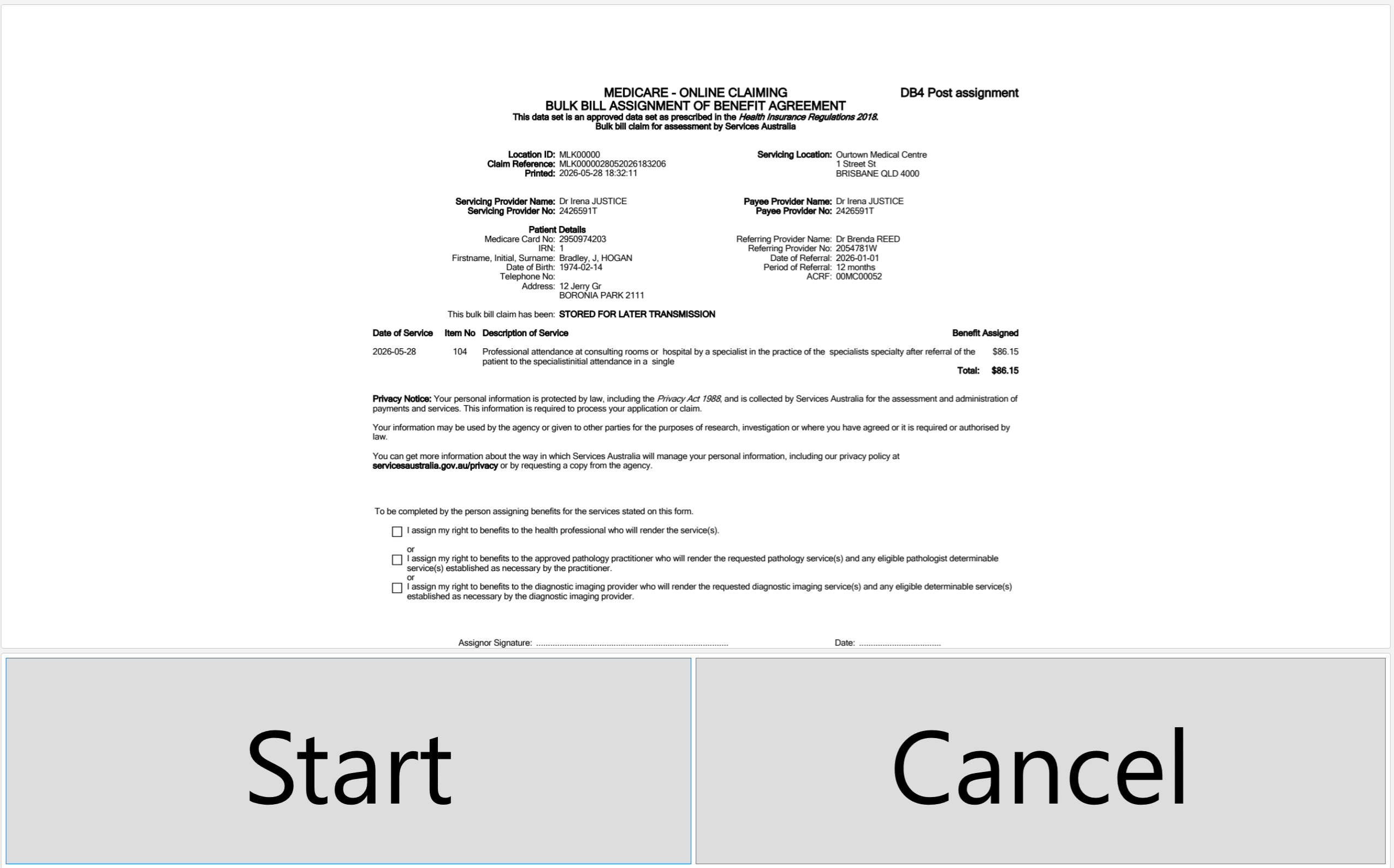
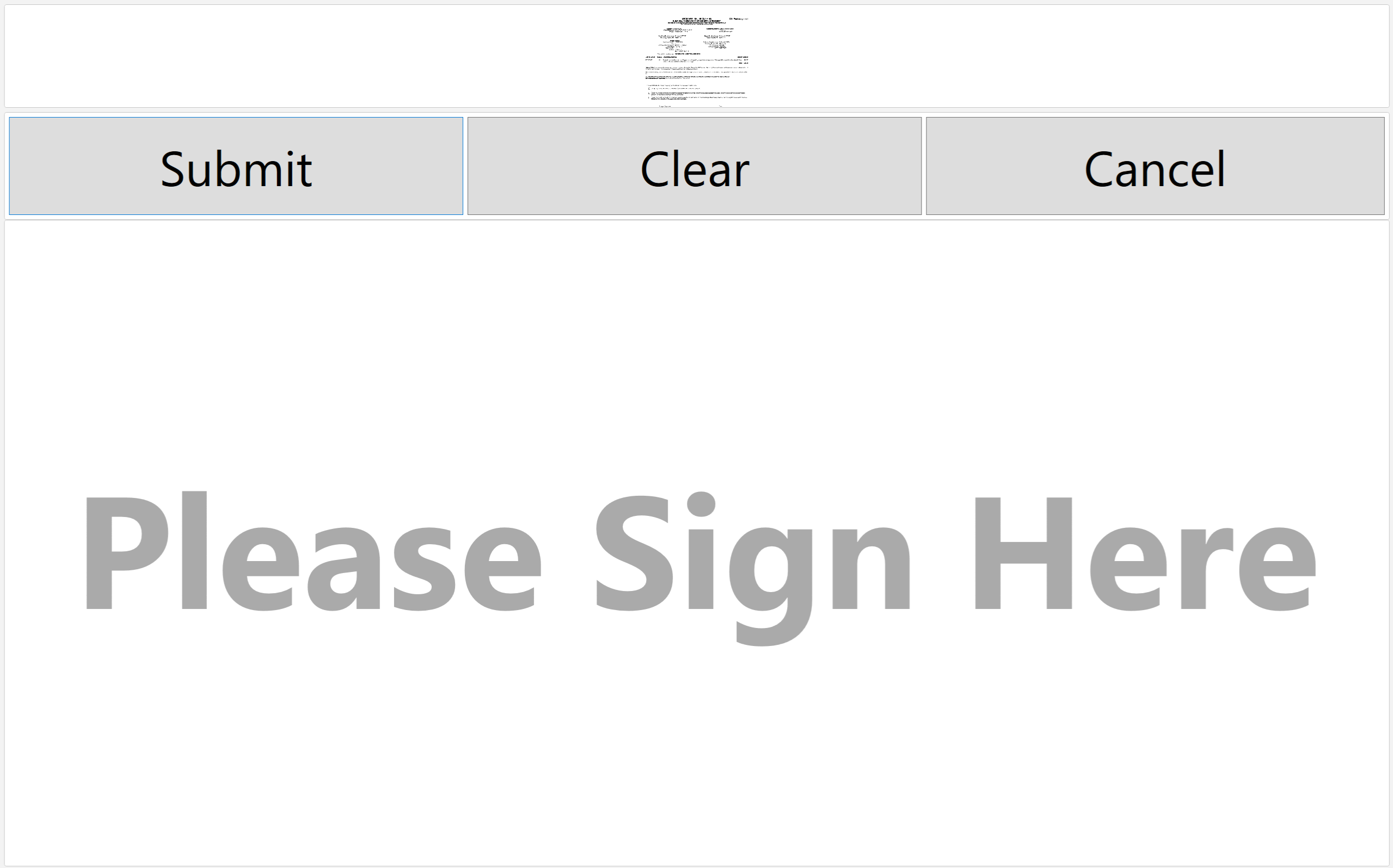
The signing collection app will preset the user with a copy of their DB4 form, they need to click Start to then be shown the larger signature area, sign it, then click Submit. Clicking the DB4 form will make it larger again if they wish to view it.
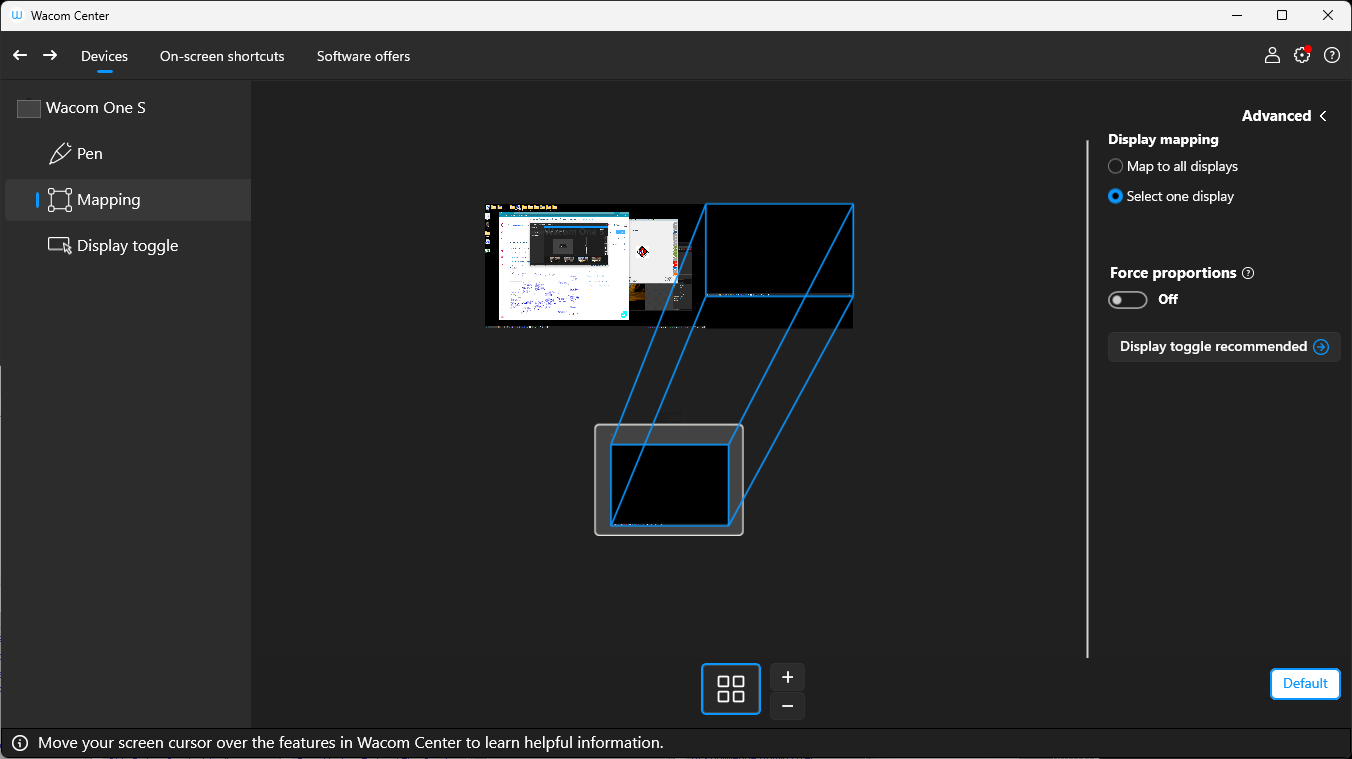
In our development cycle we used a Wacom One tablet small which retails for approx ~$150 AUD and connects via Bluetooth or USB to your computer. The patient will need to view the form, so either a second display, or a display on a swivel that you can turn to patient. If you do have a second display you can map the Wacom Stylus to be restricted to that secondary screen only. We expect that other products would allow for similar (see screenshot further below).
A touchpad kiosk like tablet could also work as a combined display and signature device. It needs to be able to work as a secondary monitor for computer (USB/Bluetooth etc) for your Windows environment.