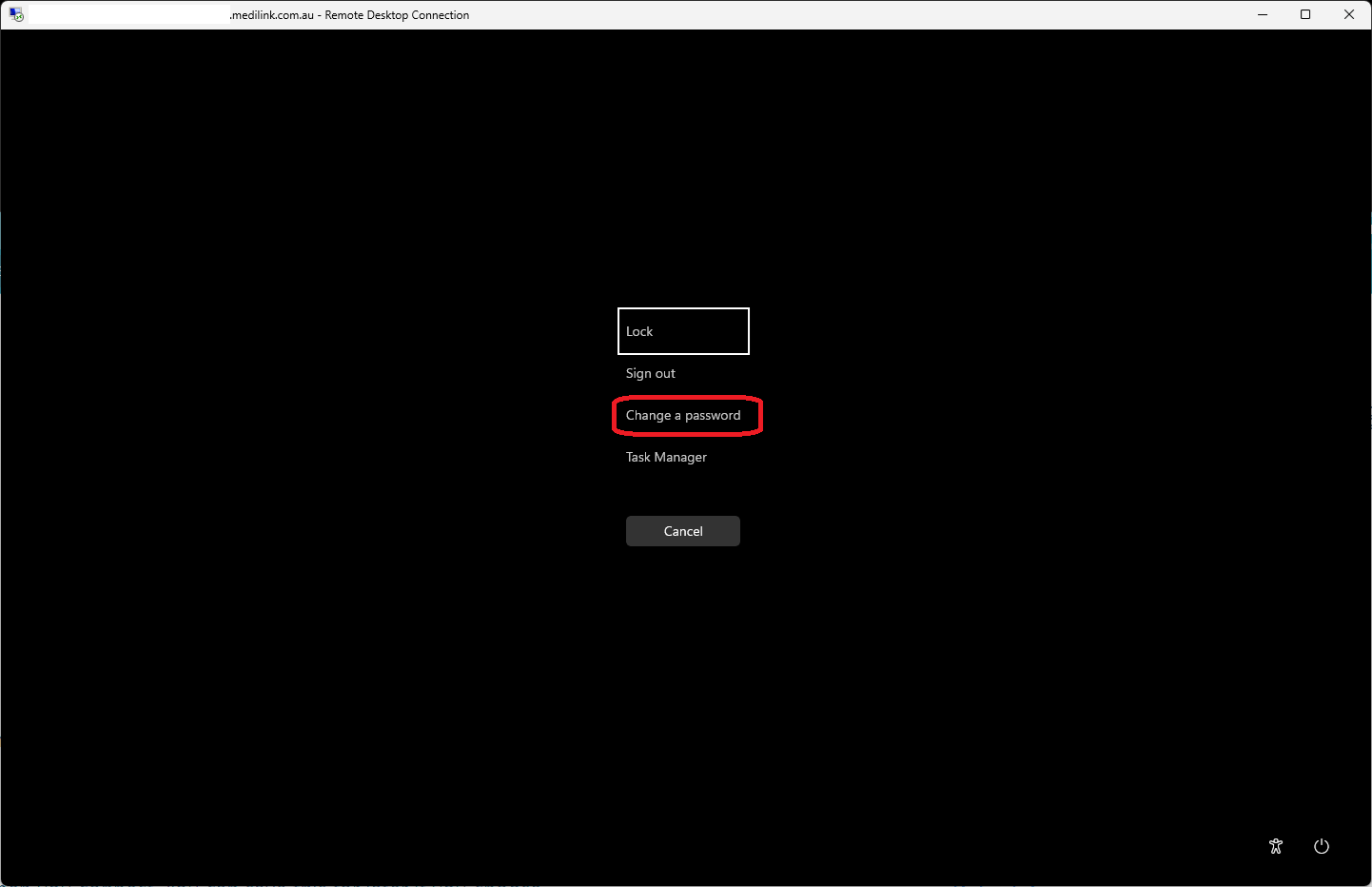
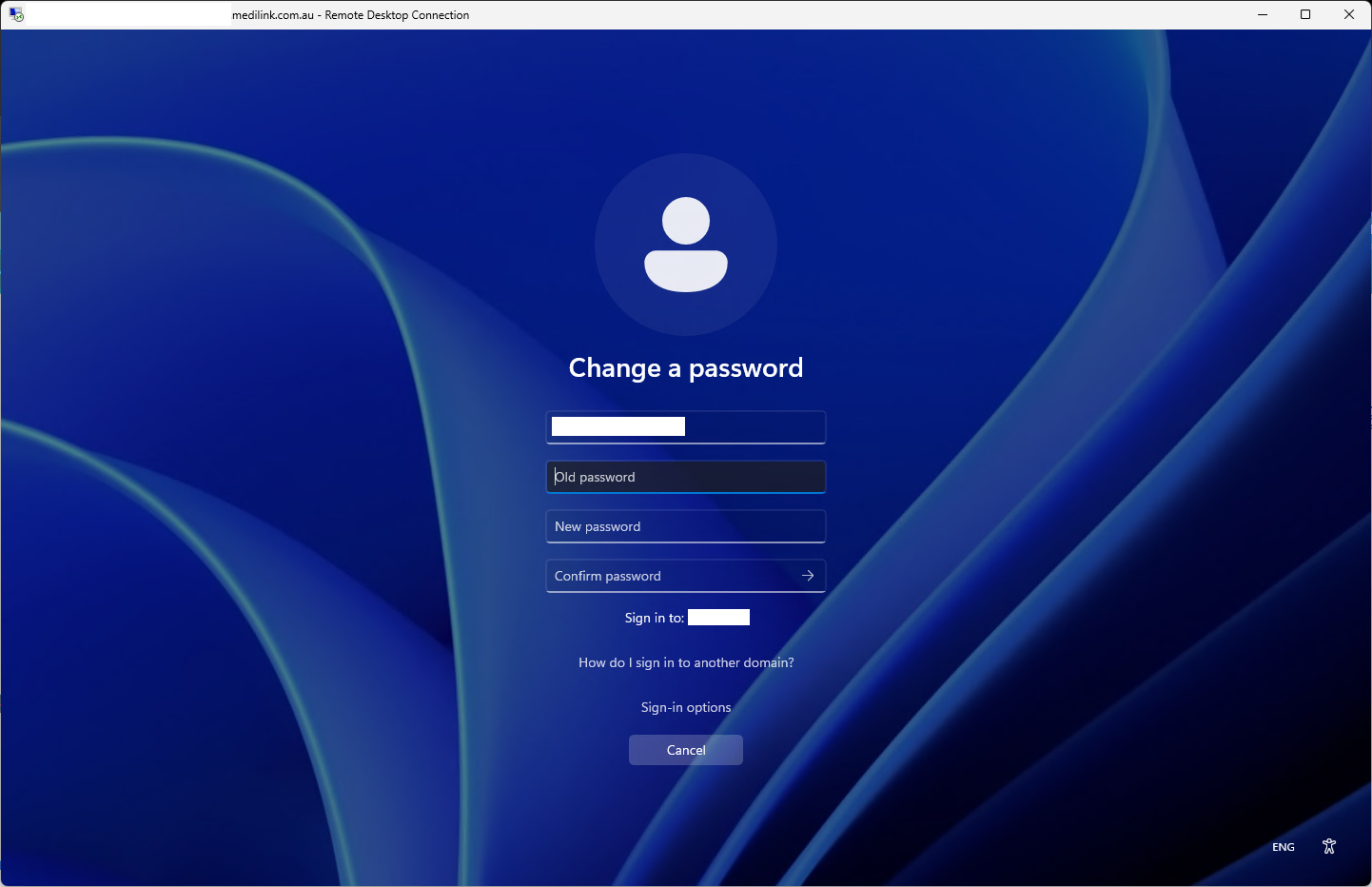
Open your Remote Desktop as normal and press CTRL+ALT+END and you will be presented with a Windows menu, choose the Change a password option.
Note you will need to know your full username and old password.
See screenshots below for what it should look like.